

Advanced filtering
Following topics, sources, and people tells daily.dev what you want more of. Filters do the opposite: they let you remove whole kinds of content from your feed, no matter what they're about.
You'll find them under Feed settings > Filters. Open them from the Feed settings button above your feed, or from Settings.
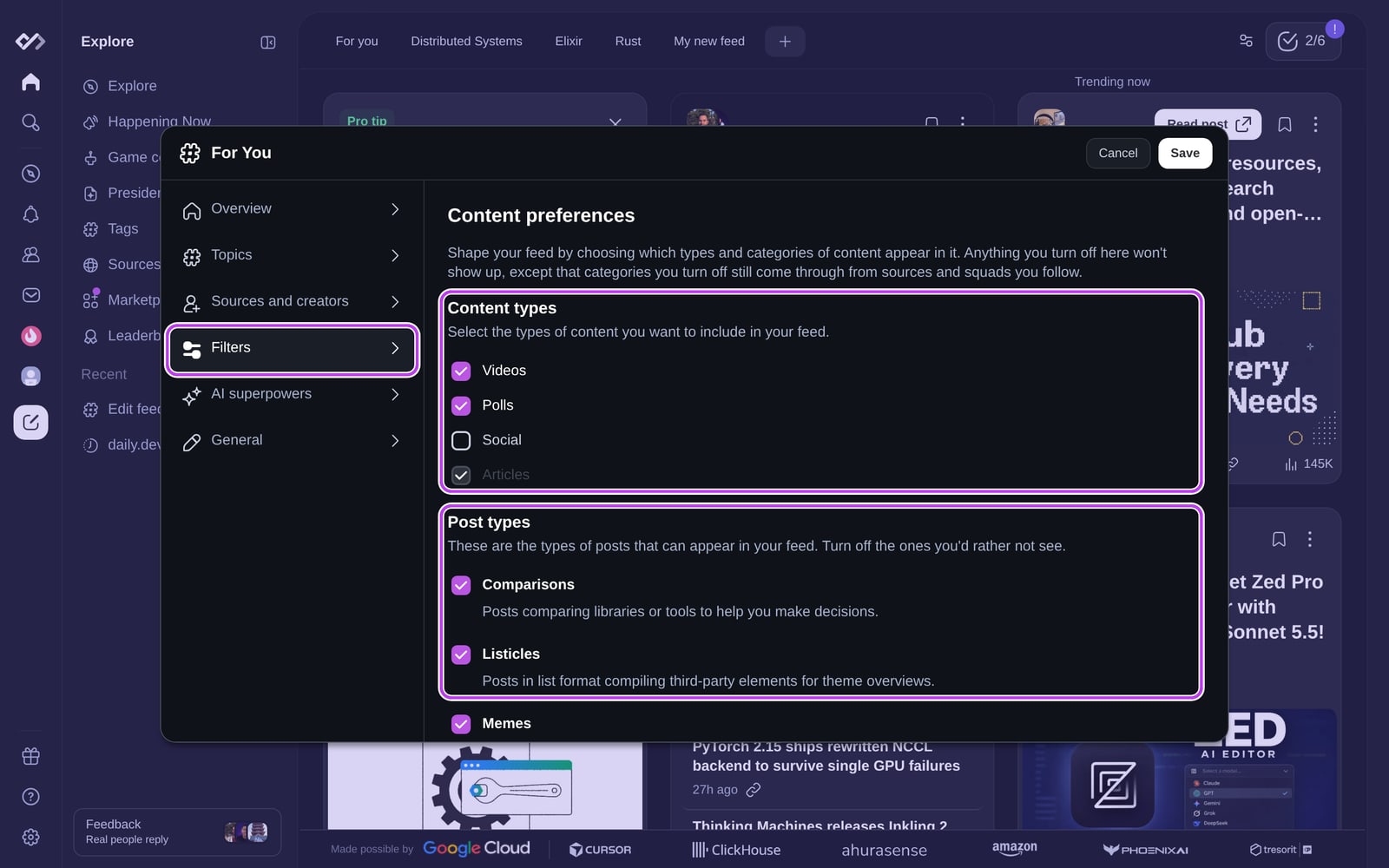
Content types
Content types are the format of a post. Uncheck any you don't want in your feed:
| Content type | What it covers |
|---|---|
| Videos | Video posts, such as YouTube videos. |
| Polls | Polls created by the community. |
| Social | Posts shared from social platforms. |
| Articles | Regular articles. Always on in your For you feed; you can turn it off in a custom feed. |
Post types
Post types describe what a post is about. Uncheck the ones you'd rather not see:
| Post type | What it covers |
|---|---|
| Comparisons | Posts comparing libraries or tools to help you make decisions. |
| Listicles | List posts, like "10 best libraries for X". |
| Memes | Funny images, videos, or phrases. |
| News | Reports on tech industry events and breakthroughs. |
| Opinions | Personal views or predictions. |
| Releases | Announcements of new versions or features of products and tools. |
| Squads | Posts written by developers in Squads. |
| Stories | Evergreen posts with detailed insights and viewpoints. |
| Tutorials | Step-by-step guides. |
Post types you turn off still come through from sources and Squads you follow.
Hiding a content type from the post menu
You don't have to open settings every time. On any video, poll, or social post, open the post menu (⋮) and choose Don't show video content (or poll or social). The change applies right away, and you can undo it from the confirmation toast.
Going further
- Block specific tags, sources, Squads, and people on the same Filters page. See blocking and reporting.
- With Plus, block posts whose titles contain certain words with Keyword Filters, and get clearer titles with Clickbait Shield.
- Filters you set here apply to your For you feed. Each custom feed and chip has its own filters.