

Feeds
Table of Contents
daily.dev has several feeds. Each one answers a different question: what is relevant to you, what
the people you follow are sharing, or what the whole community is reading right now.
| Feed | Where to find it | What it shows |
|---|---|---|
| For you | Home, the first tab at the top of the page | Posts ranked for you, based on your interests and activity |
| Following | Your profile menu (You in the sidebar) > Following | Posts from the people, sources and Squads you follow |
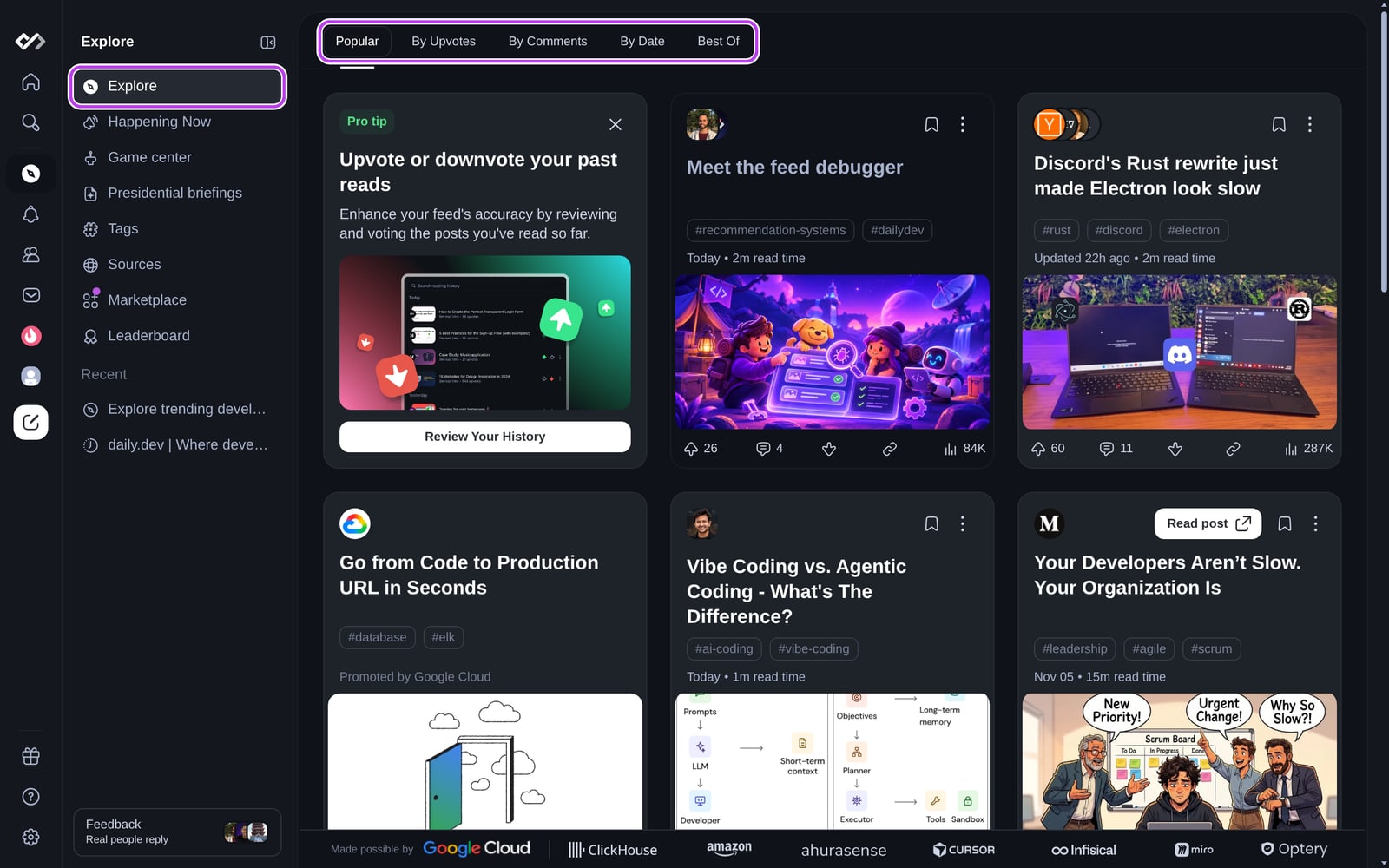
| Explore | Explore in the sidebar | Community-wide feeds: Popular, By upvotes, By comments, By date and Best of |
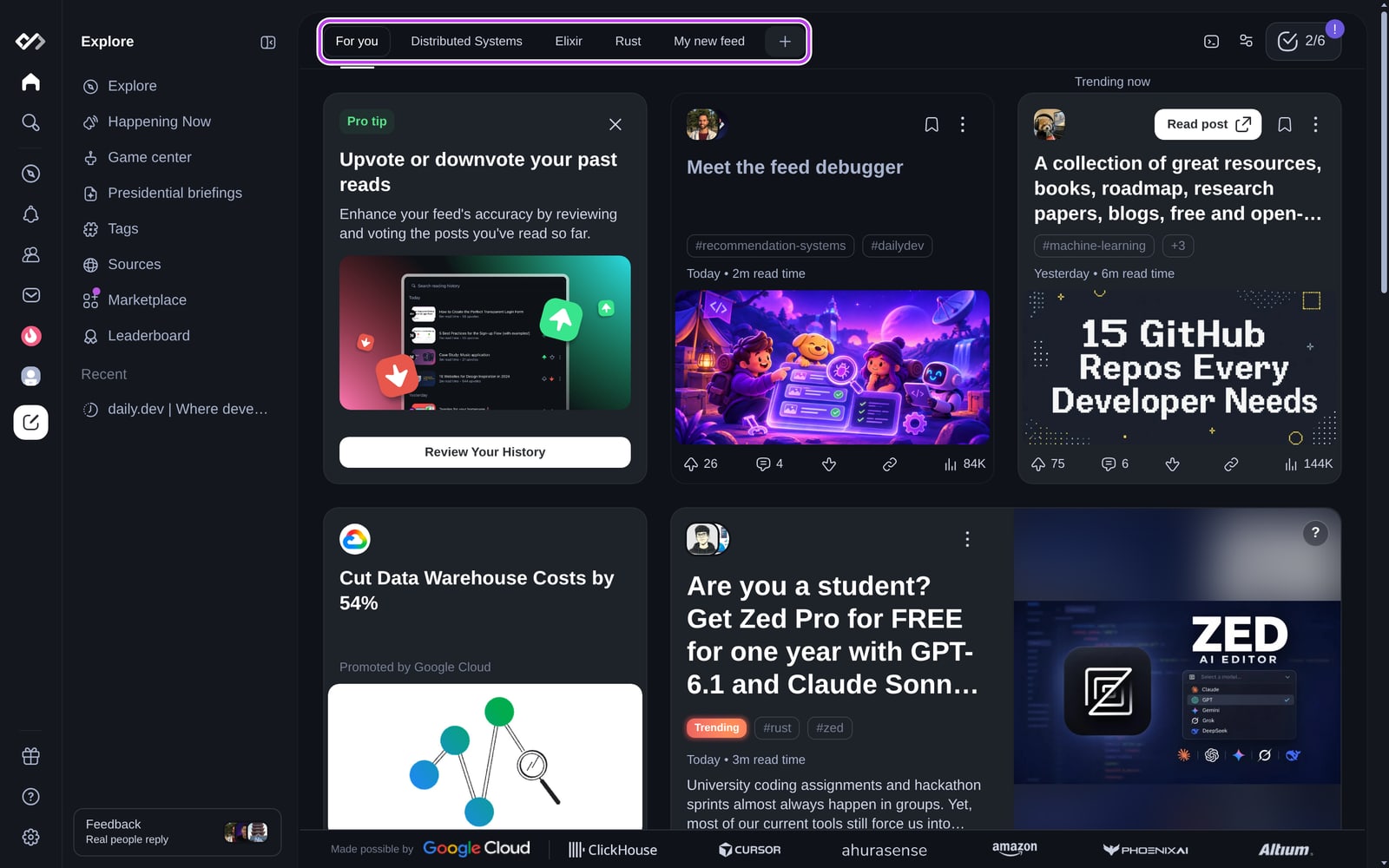
| Custom feeds | The tabs next to For you | Feeds you build around a topic, such as Chips or Advanced Custom Feeds |
For the day's biggest stories in a short list instead of a feed, open
Happening Now.
For you
For you is your personalized feed and the first thing you see when you sign in. It ranks posts
using the tags and sources you follow, what you read, upvote and hide, and the
filters you set. The more you use daily.dev, the better it gets.
To shape it:
- Set up your feed by choosing the tags you care about.
- Adjust the content types and post types that appear.
- Block tags, sources and users you don't want to see.
- Upvote and downvote posts. A downvote hides that post and tells the feed to show you
less like it.
To jump between topics without leaving the home page, use Chips. Plus subscribers can also
build Advanced Custom Feeds and mute words with Keyword Filters.
Sorting For you by date
For you is ranked by relevance by default. To see the newest posts first:
- Go to Settings > Appearance.
- Under Preferences, turn on Show feed sorting menu.
- Back on the feed, open the sort menu and pick By date. Pick Recommended to return to the
default ranking.
The sort menu is available on For you and Popular. Your choice is saved in the browser you
made it in.
Following
The Following feed (/following) only contains posts from the developers, sources and Squads
you follow. It is the best feed for keeping up with people and communities you already trust. See
Following feed for details.
Explore
Explore (/posts) collects the community-wide feeds. They are the same for everyone, except that
the posts you blocked or hid are left out.
| Tab | What it shows |
|---|---|
| Popular | Recent posts that are getting a lot of reads, upvotes and comments right now. It focuses on news, releases, opinions, comparisons and stories from the last two weeks. |
| By upvotes | The most upvoted posts of the period you choose. |
| By comments | The posts with the most comments in the period you choose. A good place to find active discussions. |
| By date | The newest posts first. |
| Best of | A monthly archive of the best posts on daily.dev. |
On By upvotes and By comments, use the calendar button at the top right to choose the
period: Last week (the default), Last month or Last year. Both feeds show up to the top 100
posts for that period. The period resets to Last week when you reload the page.
Custom feeds
Next to For you you'll find the custom feeds you created. Click + to create a new one.
A custom feed is built around the tags, sources and filters you choose, and you can make any of them
your default feed. See Chips and Advanced Custom Feeds.