

Happening now
Happening Now is your home for what's happening in the developer world right now. Instead of
scrolling a feed, you get a short list of the most important stories, releases and incidents, each
with a short headline you can expand for a TL;DR.
Open it from Happening Now in the sidebar (under Explore) or go to
daily.dev/highlights. It also appears as a card in your
For you feed.
Browsing Happening Now
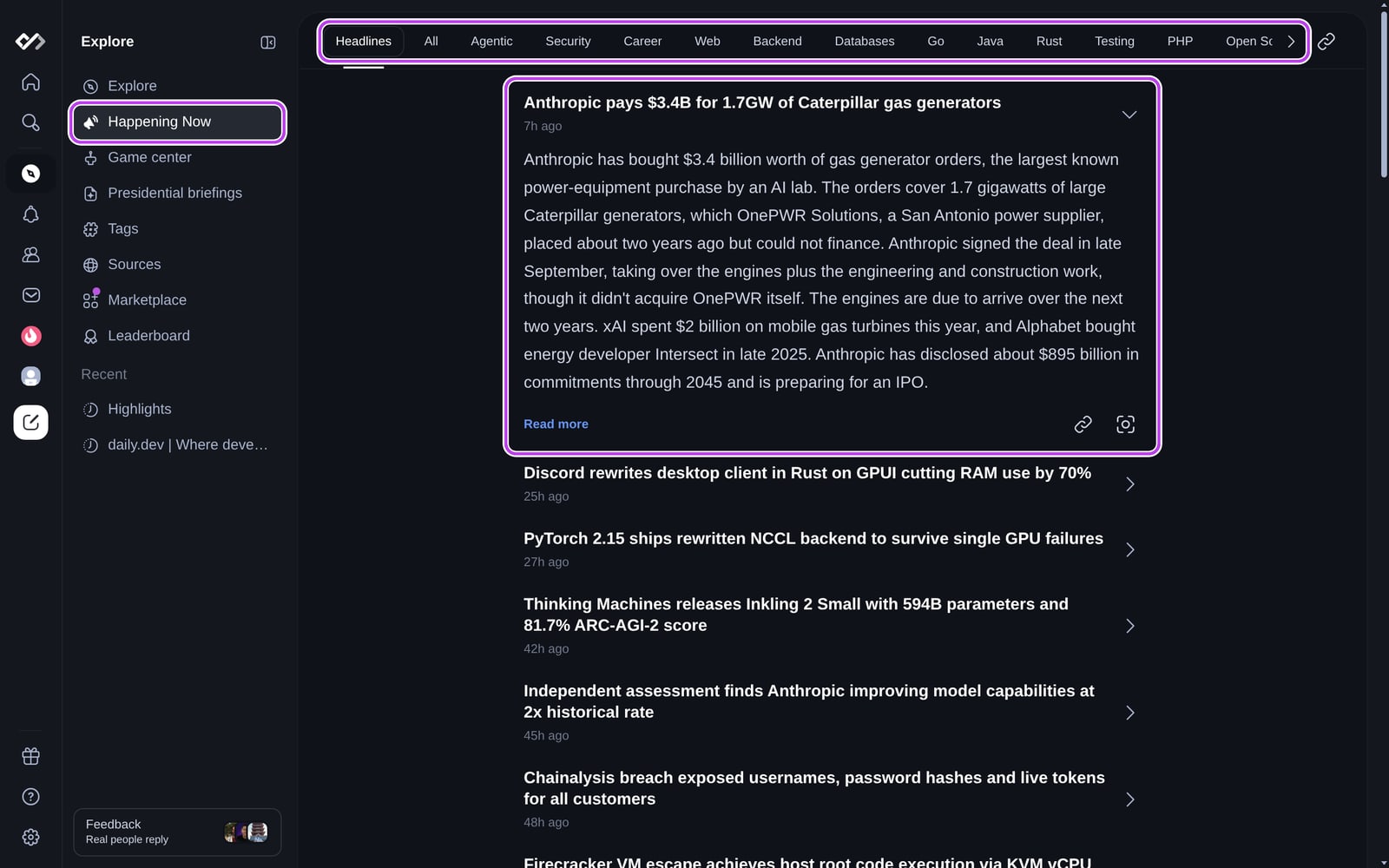
The tabs at the top let you choose what to see:
- Headlines: the biggest stories across every topic.
- All: every story, including smaller ones.
- Topic tabs, such as Agentic, Security, Web, Rust or Python: every story on
that topic. Each topic has its own address, for exampledaily.dev/highlights/security, so you can
bookmark or share it.
Each row is one story, with a headline and how long ago it was added. Click a row to expand it and
see:
- A TL;DR of the underlying post
- Read more, which opens the full post and its discussion on daily.dev
- Buttons to copy a link to the story or share it as an image
Use the link button at the top right to copy a link to the page.
Stories are chosen with the help of AI: every few minutes, new posts are reviewed, the important ones
get a headline and a rating, and they're added to the list. Tutorials, opinion pieces and other
evergreen posts aren't included, since Happening Now is about news.
Topic digests
Some topics have a digest. On that topic's tab you'll see Get a … digest of … news. Turn on the
notification next to it to get a regular recap of the topic's biggest stories. You can manage
notifications in your notification settings.
Happening Now in your feed
When you're signed in, a Happening Now card shows the latest headlines in your
For you feed. Click a headline to open it on the Happening Now page, or Read all to see the
full list.
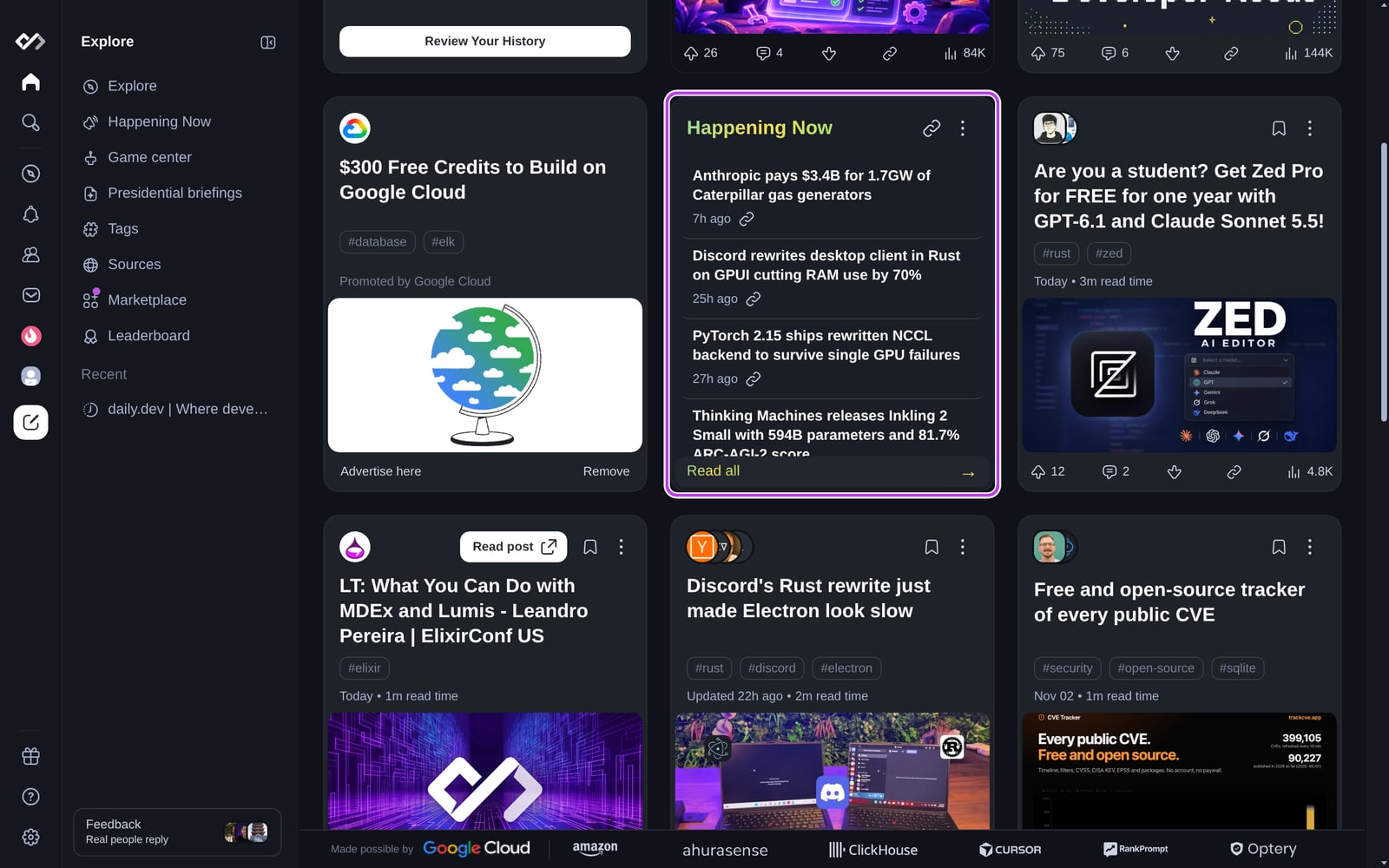
You choose where the card goes:
- From the card's menu: Pin to top, Unpin from top or Disable.
- Or in Settings > Feed settings > General, under Happening Now placement: Default,
Pin to top or Disabled.
The placement applies to all your feeds.
Big stories can also show up as larger cards in your feed. If you'd rather not see them, turn off
Show hero cards for highlighted news in Settings > Appearance.
When to use Happening Now
Your feed is best for personalized, in-depth reading. Happening Now is for time-sensitive context.
Use it to:
- Catch up on the day's biggest releases and incidents without reading every post.
- Follow one topic closely without changing your feed.
- Share a quick link to a story with your team.
For a topic you want in your feed every day, create a Chip. Plus subscribers can also get
a personalized Presidential Briefing.