

Following feed
The Following feed at /following is a stream of posts from the users, sources and Squads you
follow on daily.dev.
Unlike For you, which recommends posts based on your interests, Following is built only from
explicit choices you make. Use it when you want updates from the developers, publishers and
communities you already trust.
Where to find it
You need to be signed in.
- Desktop: select You (your avatar) in the left sidebar, then Following.
- Phone: tap Following in the tabs at the top of the home page.
- Or go straight to daily.dev/following.
What appears in the Following feed
- New posts from sources you follow
- New posts from developers you follow
- New posts from Squads you follow or are a member of
Your blocked tags, sources and words and the
content types you turned off still apply here.
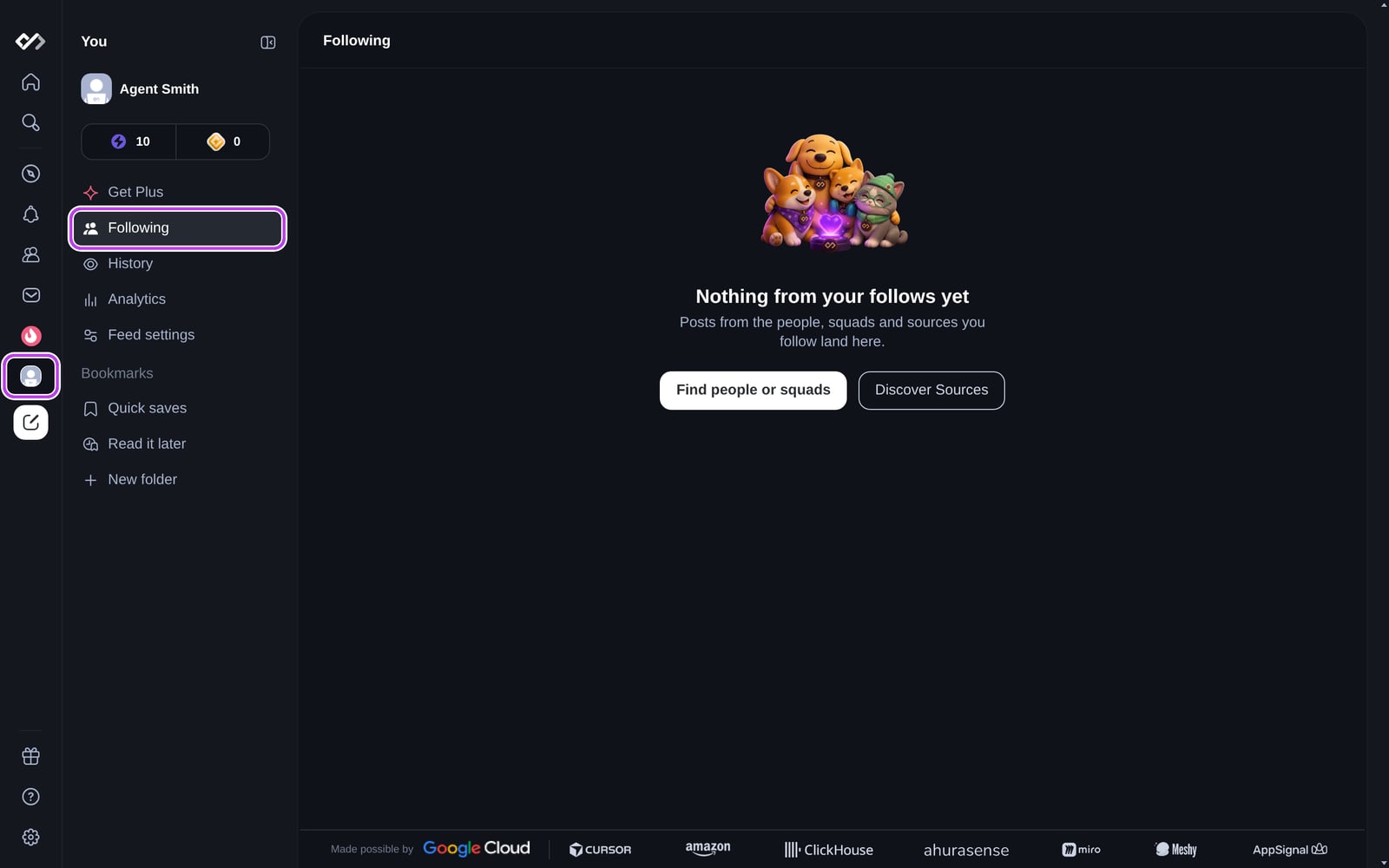
If you don't follow anyone yet, the feed shows Nothing from your follows yet, with shortcuts to
Find people or squads and Discover Sources.
How to improve the feed
The Following feed is only as good as the people and sources you follow:
- Follow developers whose posts and comments you find useful. See
Following and blocking users. - Follow sources that publish in your stack. Find them with search or the Sources
directory under Explore. - Join public Squads for the communities you want to keep up with.
- Unfollow accounts that no longer match your interests.
How it differs from other feeds
- For you: ranked recommendations based on your interests and activity
- Following: only posts from people, sources and Squads you follow
- Explore: community-wide feeds such as Popular and By upvotes
To compare all feeds, see Feeds.
Frequently asked questions
The Following feed shows posts only from the people, sources and Squads you follow. Unlike For you, it does not add recommendations from outside your follows.
Spotted something to fix? Contact us