

Reading streaks
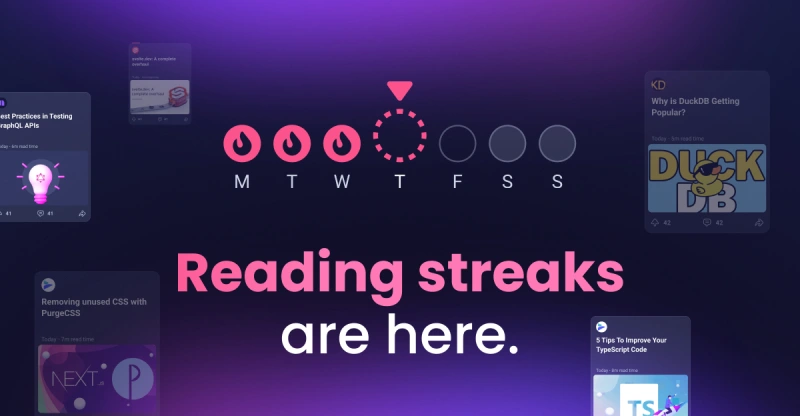
A reading streak counts how many days in a row you've read on daily.dev. It's a simple way to build a habit of keeping up with your field.
How reading streaks work
Your streak goes up by one on each day you read something. On large screens, your current streak lives in the Streak tab of the sidebar (the flame icon). On smaller screens, tap the flame in the header.
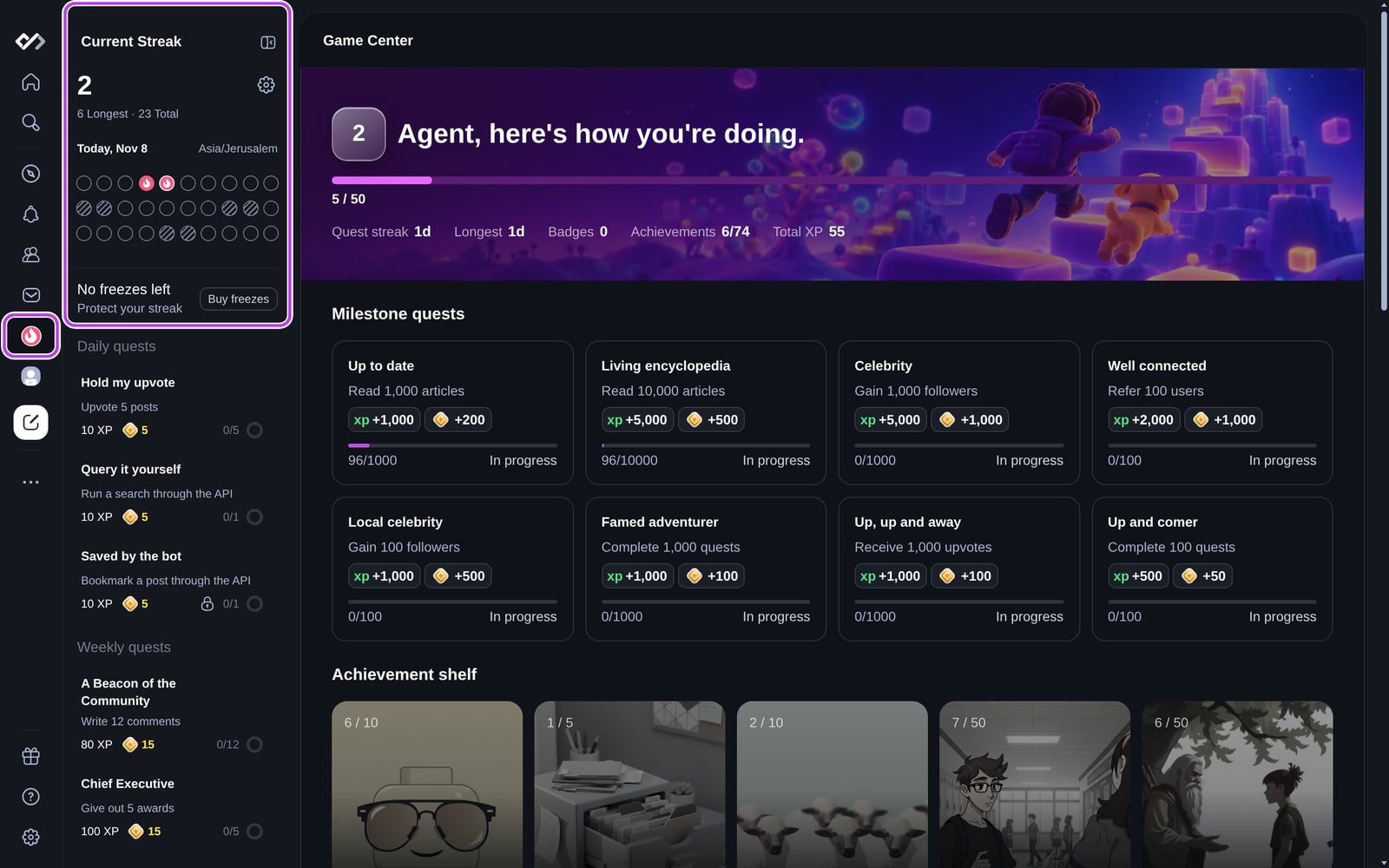
The streak panel shows:
- Your current streak, your longest streak, and your total reading days.
- A calendar of the days you read, the weekend days, and any days covered by a freeze.
- The time zone your streak uses.
- How many streak freezes you have.
- Your daily and weekly quests.
What counts as a reading day
- Open a post. Opening a post on daily.dev (its page or its pop-up), or clicking through to the article, counts. This works for articles, videos, Squad posts, and other post types.
- It has to be a new read. Opening a post you already opened in the last 7 days doesn't count again.
- Visiting daily.dev, scrolling the feed, upvoting, or commenting doesn't count on its own.
Weekends
You pick two weekend days, and they never break your streak. If you read on a weekend day, it still counts. Set your weekend under Settings → Streaks & gamification → Weekend days: Friday to Saturday or Saturday to Sunday.
Time zones
Your day starts and ends at midnight in the time zone saved in your settings, not your device's time zone. If the two don't match, the streak panel shows Timezone mismatch. Change it under Settings → Streaks & gamification → Time preference.
Milestones
When your streak reaches a milestone (2, 3, 5, 8, 13, 21 days and so on), a pop-up celebrates it. You can turn on Remind me to keep my streak from the same pop-up.
Protecting your streak
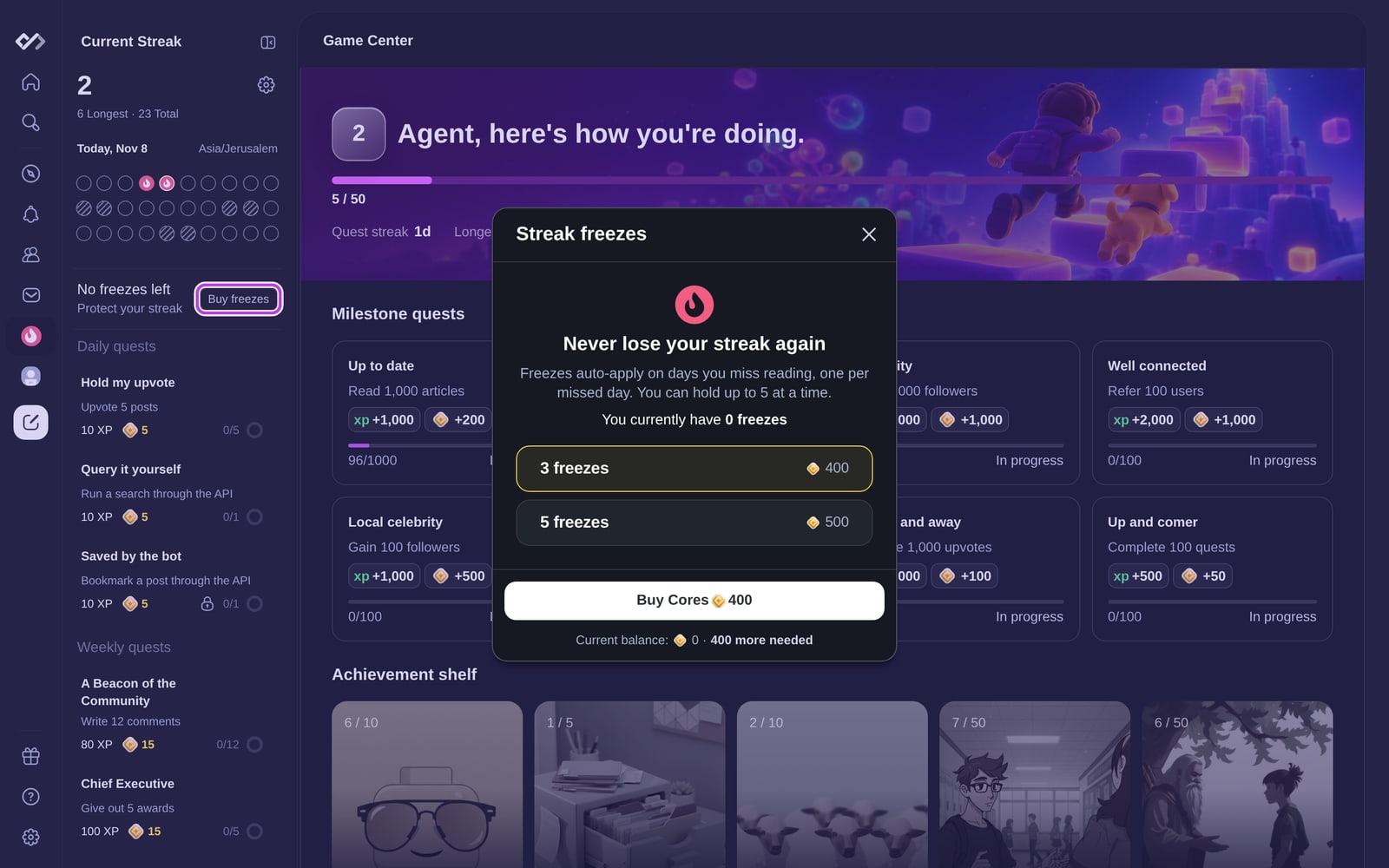
Streak freezes
A freeze covers a missed reading day, so your streak survives.
- Buy freezes in packs with Cores, from Buy freezes in the streak panel or in Settings → Streaks & gamification.
- You can hold up to 5 freezes at a time.
- Freezes apply automatically, one for each missed weekday. Weekend days never use a freeze.
- If you miss more days than you have freezes, no freezes are used and the streak resets.
- A freeze keeps your streak, but doesn't add a day to it.
- To stop using freezes automatically, turn off Automatically use streak freezes in Settings → Streaks & gamification.
You get a notification when a freeze is used and when you run out.
Restoring a broken streak
If a streak of 3 days or more breaks, daily.dev offers to restore it with Cores. The offer appears as a pop-up and as a notification, and it's only available for a short time, until the end of that day in your time zone.
- Your first restore is free. After that, a restore costs Cores. The price is shown in the pop-up.
- Restoring adds your old streak back, but doesn't count as a reading day. Read something the same day to keep it going.
Streak reminders
Turn on Notify me before my streak expires under Settings → Notifications (in the Streaks group), or from a milestone pop-up. If you haven't read yet, you get a push notification at 20:00 in your time zone on your workdays. To get a daily reminder at a time you choose, use the Reading reminder setting on the same page. See Notification settings.
Streak settings
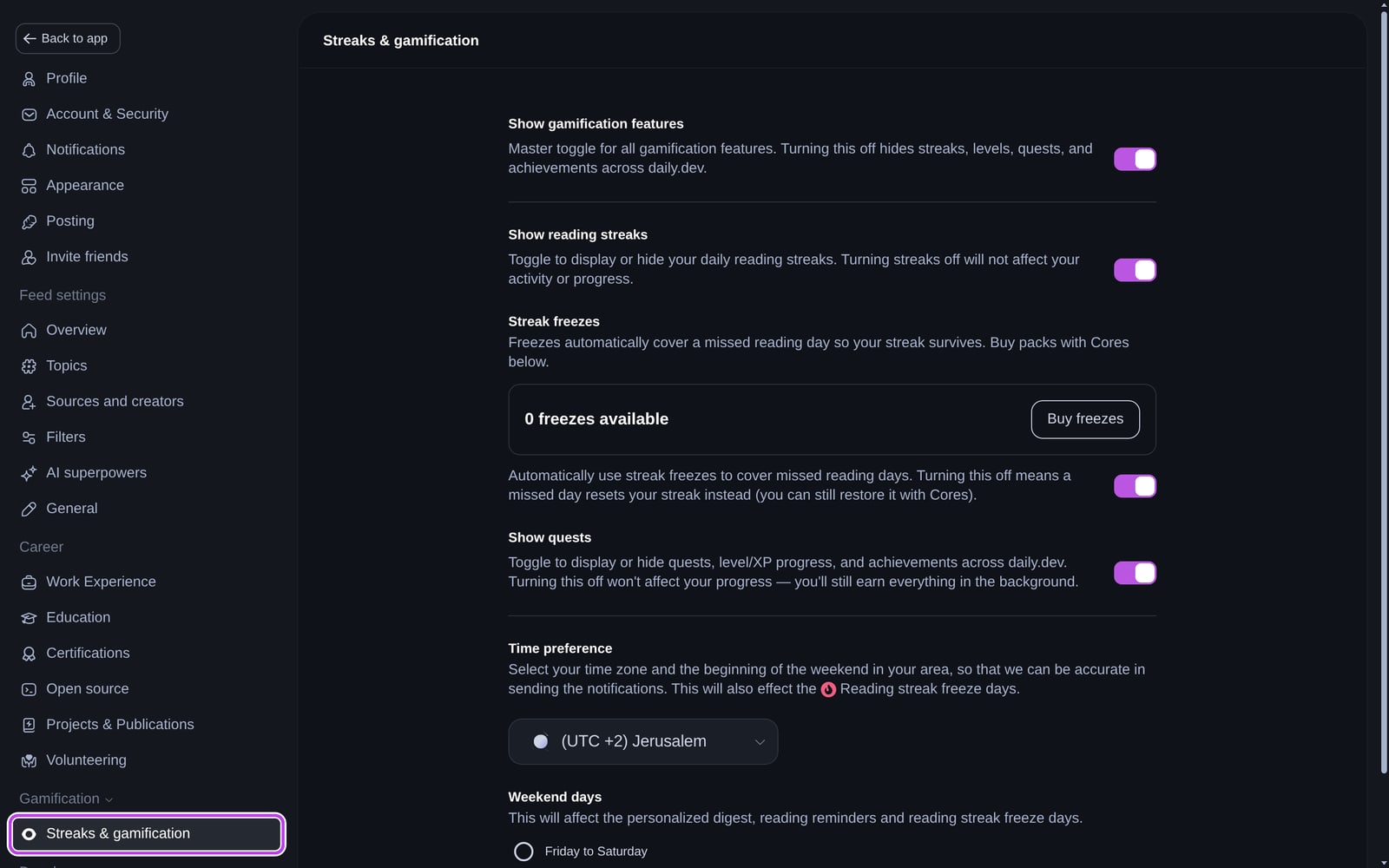
Settings → Streaks & gamification has:
- Show gamification features: hides streaks, levels, quests, and achievements together.
- Show reading streaks: hides your streak. Your streak keeps counting in the background.
- Streak freezes: how many you have, Buy freezes, and the automatic freezes switch.
- Show quests: hides quests, levels, and achievements.
- Time preference and Weekend days.
Where your streak shows up
- Your longest streak and total reading days appear in the Reading Overview on your profile and on your DevCard.
- The leaderboard ranks the longest current streaks and the most reading days.
- Streak achievements unlock at 10, 50, 365 days and beyond.
- Consistent readers in a topic can earn a monthly Top Reader badge.