

Creating a personal feed
For you is your personal feed on daily.dev. It's the first tab above your feed, and it's built from three signals:
- The topics (tags) you follow.
- The sources, Squads, and people you follow.
- What you read. The feed learns from the posts you open, so it keeps getting more relevant as you use it.
Your follows are a strong starting signal. As you read more, your activity counts for more.
Step 1: Pick your topics when you sign up
When you create an account, daily.dev asks you to pick a few topics you're interested in, such as react, ai, or devops. A preview of your feed appears as you pick, so you can see what you'll get. You can change these topics at any time.
Step 2: Open your feed settings
To change what shapes your feed, click the Feed settings button at the top right of your feed (1). The settings open in a window over your feed, with a page for each part of it on the left (2). You can also open Settings and use the Feed settings group:
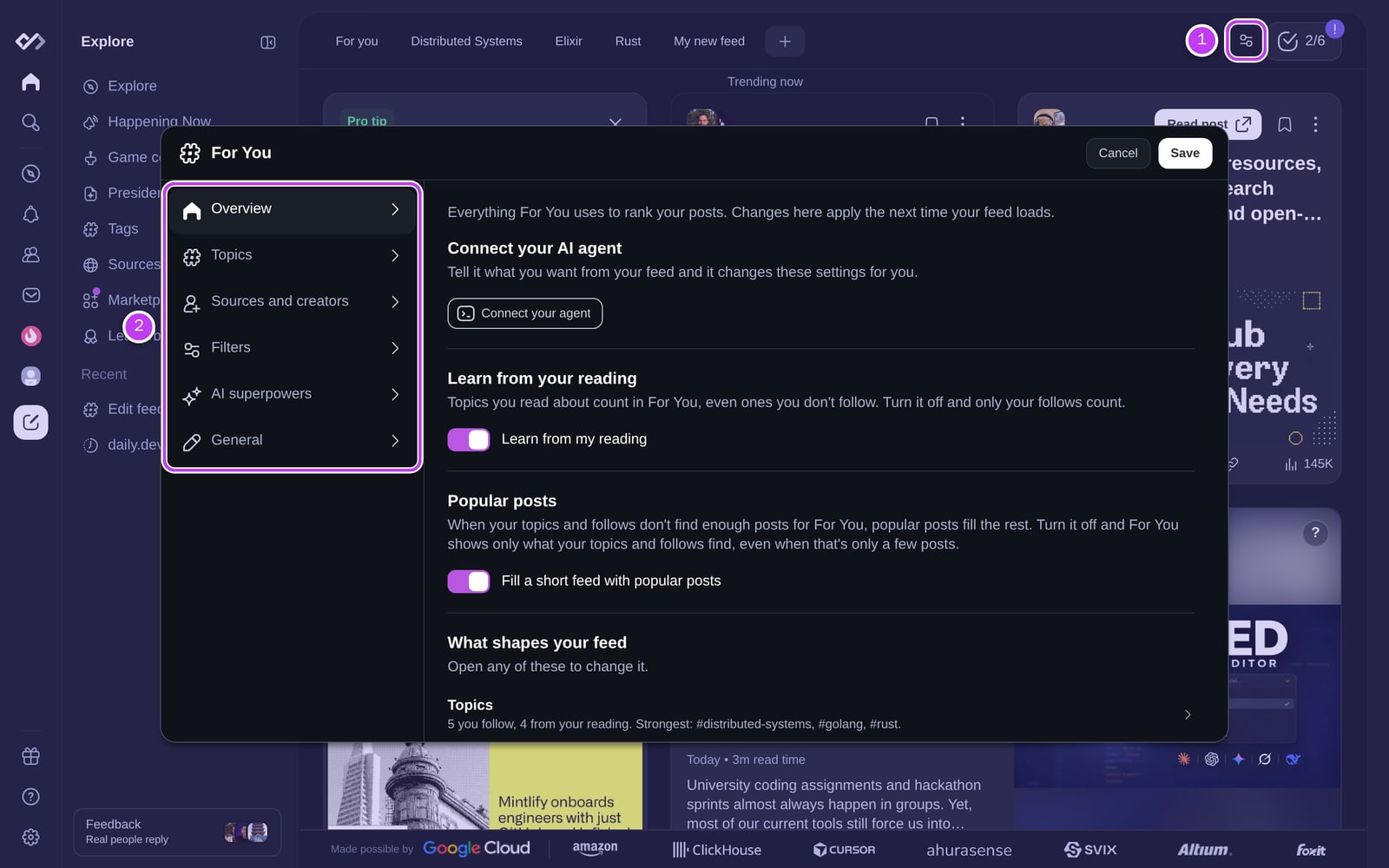
| Page | What it controls |
|---|---|
| Overview | A summary of what shapes your feed, with a shortcut to each page below. |
| Topics | The tags you follow. |
| Sources and creators | The sources, Squads, and people you follow. |
| Filters | Content types and post types to show or hide, and everything you've blocked. See advanced filtering and blocking. |
| AI superpowers | Auto-translate and Clickbait Shield (Plus). |
| General | Your default feed and where the Happening Now card appears. |
Changes save as soon as you make them and apply the next time your feed loads.
Step 3: Follow more topics
Open Topics to see the tags you follow and find new ones. Search for a tag, jump through the A to Z list, or pick from Recommended tags, Popular tags, and Recently added tags. Click + to follow a tag, and click the check mark to unfollow it.
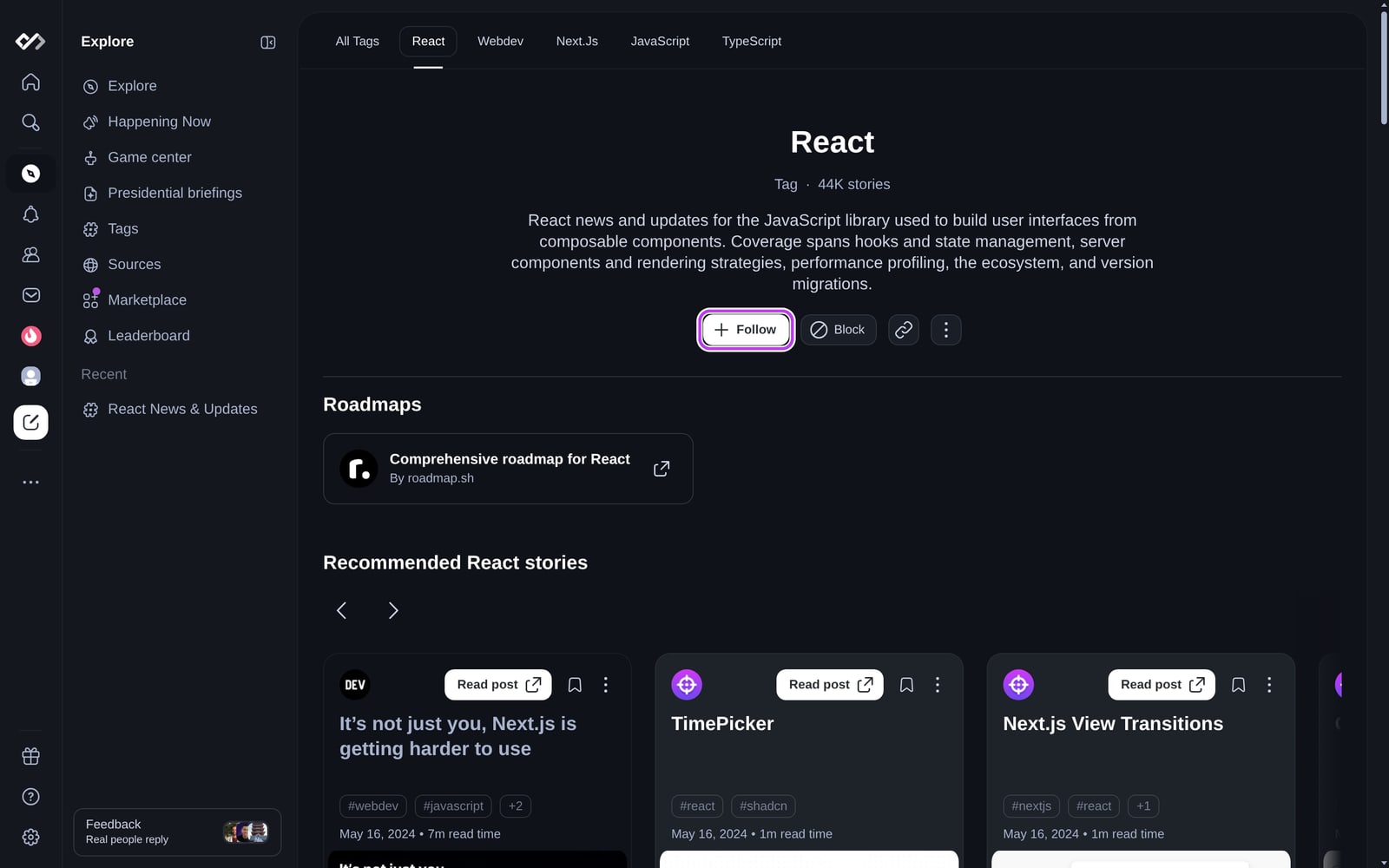
You can also follow a tag from its tag page, for example daily.dev/tags/react: click Follow under the tag's description.
Step 4: Follow sources, Squads, and people
Open Sources and creators and search for a source, Squad, or user to follow. Posts from them get more weight in For you and also show up in your Following feed.
You can also follow from the post menu (⋮ on any post card), from a source page, or from a developer's profile. See following and blocking users.
Step 5: Filter out what you don't want
- Turn content types (videos, polls, social posts) and post types (news, tutorials, memes, and more) on or off under Filters. See advanced filtering.
- Block tags, sources, Squads, and users you never want to see. See blocking and reporting.
- With Plus, block posts by keyword with Keyword Filters.
Want more than one feed? Each chip above your feed is its own feed, and Plus members can build Advanced Custom Feeds.